
Is Your Facebook Account Safe? Here’s What You Should Check
Your Facebook account can connect friends, messages, photos, business pages, and other online services. Learn five practical Facebook account security checks you can use to reduce the risk of unauthorized access.
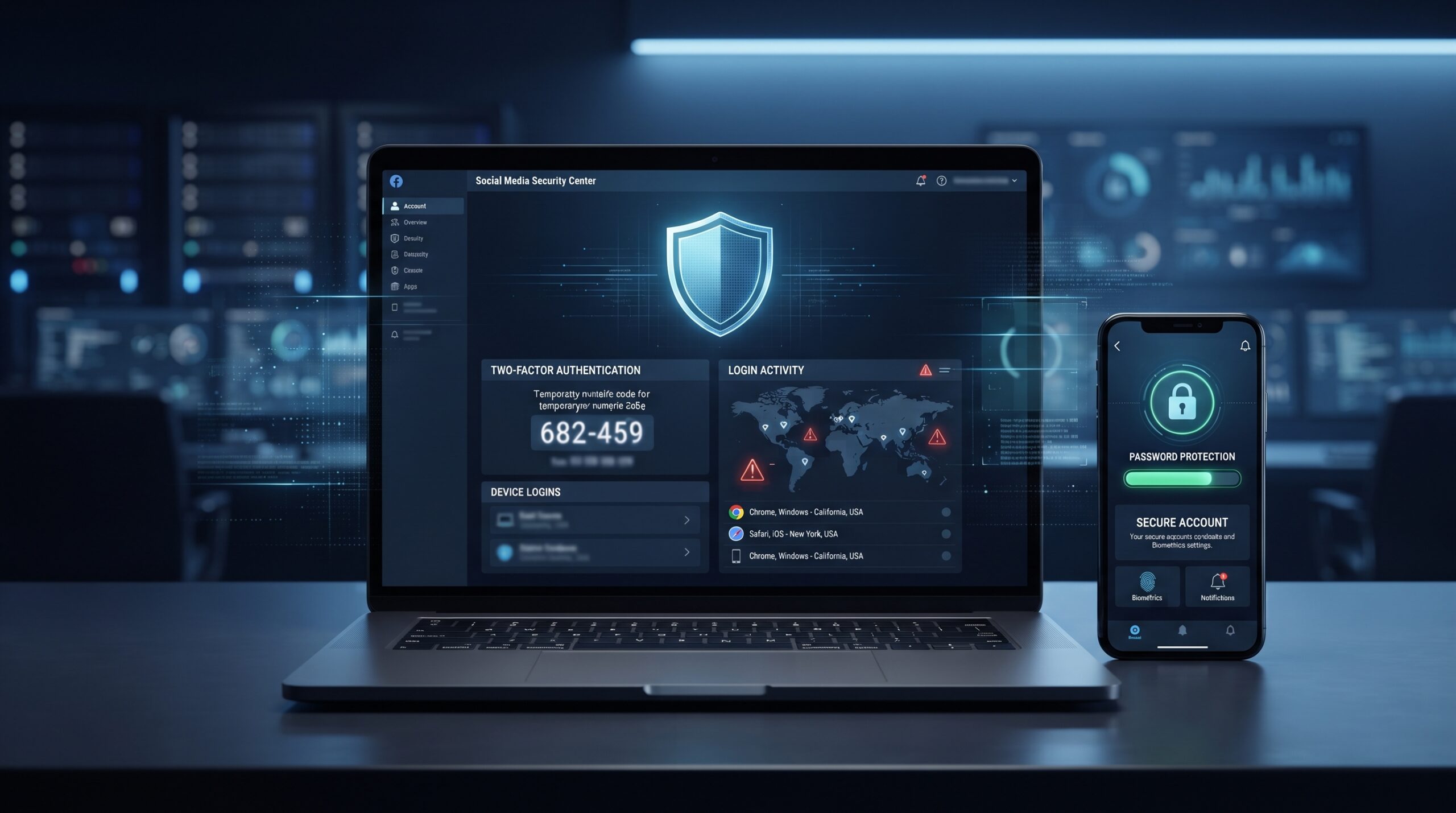
Why Facebook Account Security Matters
Facebook is part of everyday online life for millions of people. It can hold years of photos and memories, private conversations, personal information, business pages, advertising assets, and connections to other accounts.
That makes a compromised Facebook account more than just an inconvenience. An attacker may use a stolen account to send scams or spam, impersonate the account owner, trick friends or family members, access personal information, or attempt to take control of connected pages and services.
Step 1: Turn On Facebook Two-Factor Authentication
Two-factor authentication, commonly called 2FA, adds another verification step after your password. Even if someone obtains your password, they may still be unable to sign in without the additional verification method.
To check your Facebook security settings, open Facebook and look for the security section under:
Look for Two-Factor Authentication
- Open Facebook.
- Go to Settings & Privacy.
- Select Settings.
- Open the account security or Password and security section.
- Find Two-factor authentication.
- Choose an available verification method and complete the setup.
When available, an authenticator app such as Google Authenticator can provide an additional layer of protection. Keep your recovery options secure as well.
Facebook menu names can vary slightly depending on your device, operating system, and current Facebook app version.
Step 2: Review Where Your Facebook Account Is Logged In
One of the easiest ways to spot unauthorized access is to review the devices and locations currently associated with your Facebook login.
Look for the section that shows where your account is logged in. Review the listed phones, computers, browsers, and other sessions.
Check Every Active Session
- ✓ Do you recognize the device?
- ✓ Do you recognize the location?
- ✓ Is the session from a device you still use?
- ✓ Are there old phones, computers, or browsers still connected?
If you see a session you do not recognize, log it out. If the activity appears suspicious, change your password and review your other security settings as well.
An unfamiliar device or location does not automatically prove that an account has been compromised, but it is a reason to investigate before continuing to use the account normally.
Step 3: Use a Strong, Unique Password
Your Facebook password should be difficult to guess and should not be reused on other important accounts.
Avoid Passwords Like
- Facebook123
- Your name + birthday
- Your pet's name
- Simple keyboard patterns
- A password reused from email or banking
A Better Password
- Use 12 or more characters.
- Use a combination of letters, numbers, and symbols.
- Avoid easily guessed personal information.
- Make it unique to Facebook.
- Consider using a reputable password manager.
If remembering multiple strong passwords is difficult, a reputable password manager can generate and securely store unique passwords for you.
Step 4: Check for Suspicious Facebook Activity
Sometimes an account takeover becomes visible through small changes before the owner realizes what happened.
Messages You Didn't Send
Check Messenger conversations for messages you do not remember sending.
Posts You Didn't Create
Review recent posts, comments, and other activity for anything unfamiliar.
Unknown Friends
Look for unexpected friend requests, follows, or account connections.
Unexpected Security Emails
Pay attention to password-reset or login notifications you did not initiate.
Something Doesn't Look Right?
If you find suspicious activity, change your password, review active sessions, and verify your two-factor authentication and recovery options. Use Facebook's account recovery and security tools if you can no longer access the account.
An account takeover may not immediately look dramatic. Small, unexpected changes can be an important reason to investigate.
Step 5: Protect Linked Accounts and Facebook Pages
Your Facebook account may be connected to other services, profiles, pages, or business assets. Protecting the main account is important, but you should also understand what could be affected if someone gains unauthorized access.
If your Facebook account controls a business page or other important assets, account security becomes even more important. Review who has access, remove people who no longer need it, and use strong security practices for every administrator.
Need stronger protection for your business account?
Ask Vector Shield about our Business Account Lockdown Service.
What If Your Facebook Account Has Already Been Hacked?
If someone has already accessed your account, don't panic. The goal is to regain control, secure the account, identify what changed, and reduce the chance of another compromise.
Regain Access
Use Facebook's official account recovery and security options if you cannot sign in normally.
Secure the Account
Change the password and review two-factor authentication and recovery settings.
Review Access
Check logged-in devices, connected accounts, administrators, applications, and recent activity.
Check Your Devices
If you suspect malware or unauthorized remote access, examine the devices used to access the account.
Spyware & Threat Investigation Service
When an account compromise may involve more than a stolen password, a broader security investigation can help identify suspicious software, browser extensions, saved credentials, remote access, and other potential risks.
- ✓ Facebook and linked-account security review
- ✓ Malware and suspicious-access checks
- ✓ 2FA and password-management guidance
- ✓ Browser extensions and saved-login review
- ✓ Security awareness and scam-prevention guidance
How Vector Shield Can Help With Facebook Account Security
You don't have to figure everything out alone. Vector Shield can help individuals and businesses review their account security and improve the protections around their important online accounts.
Account Security
Review passwords, 2FA, login sessions, recovery settings, and account access.
Threat Investigation
Investigate suspicious activity, malware concerns, browser risks, and unauthorized access.
Security Guidance
Learn practical ways to recognize phishing, scams, suspicious links, and other common threats.
Final Thought
Think of your Facebook account like the front door to your online life. If the door is unlocked, you're making it easier for someone to walk in.
Taking five to ten minutes to review your Facebook account security can help protect your photos, conversations, contacts, business pages, and personal information.
If something about your account doesn't look right, don't ignore it. Investigate the activity and secure the account as soon as possible.
From our experience at Vector Shield Cybersecurity
When people come to us about a hacked Facebook account, the account itself is usually only part of the problem. The same password is often used for email or other accounts, and a compromised email account can let an attacker take the Facebook account back even after it is recovered.
So we look at the whole picture: which devices and sessions are logged in, whether two-factor authentication is on, what email address and phone number are on the account, and whether any unfamiliar apps were granted access. Securing the email account first and turning on two-factor authentication for both makes a hijacked profile far less likely to happen again.
Concerned that your Facebook or email account is not secure? We can walk through the security settings with you.
Need Help Securing Facebook?
Whether you're trying to prevent an account takeover or dealing with suspicious activity already, Vector Shield can help you review your security and take practical next steps.
Serving individuals and seniors across the United States.
Facebook Account Security FAQ
Here are answers to some common questions about securing a Facebook account.
Start by enabling two-factor authentication, using a strong unique password, reviewing logged-in devices, checking recent activity, and securing any linked accounts or business pages.
Yes. Two-factor authentication adds another verification step beyond your password, making unauthorized access more difficult when a password has been exposed or guessed.
Open Facebook's account security settings and look for the section showing where you're logged in or active sessions. Review the devices and locations and log out sessions you do not recognize.
Try to regain access using Facebook's official recovery tools, change your password, review active sessions, check your security settings, and investigate suspicious changes. If you suspect malware or broader device compromise, consider a professional security investigation.
Yes. A unique password helps prevent a password stolen from another website from being reused to access your Facebook account. A reputable password manager can make unique passwords easier to manage.
Vector Shield can help review account-security concerns, suspicious activity, device risks, password practices, browser extensions, saved logins, and related security issues. Contact us to discuss your specific situation and the appropriate next steps.