The Hidden Cybersecurity Risks of Google Workspace
Google Workspace gives businesses powerful tools for email, collaboration, file sharing, calendars, documents and cloud storage. But a secure cloud platform does not automatically mean every account, user, application and configuration inside your environment is secure.
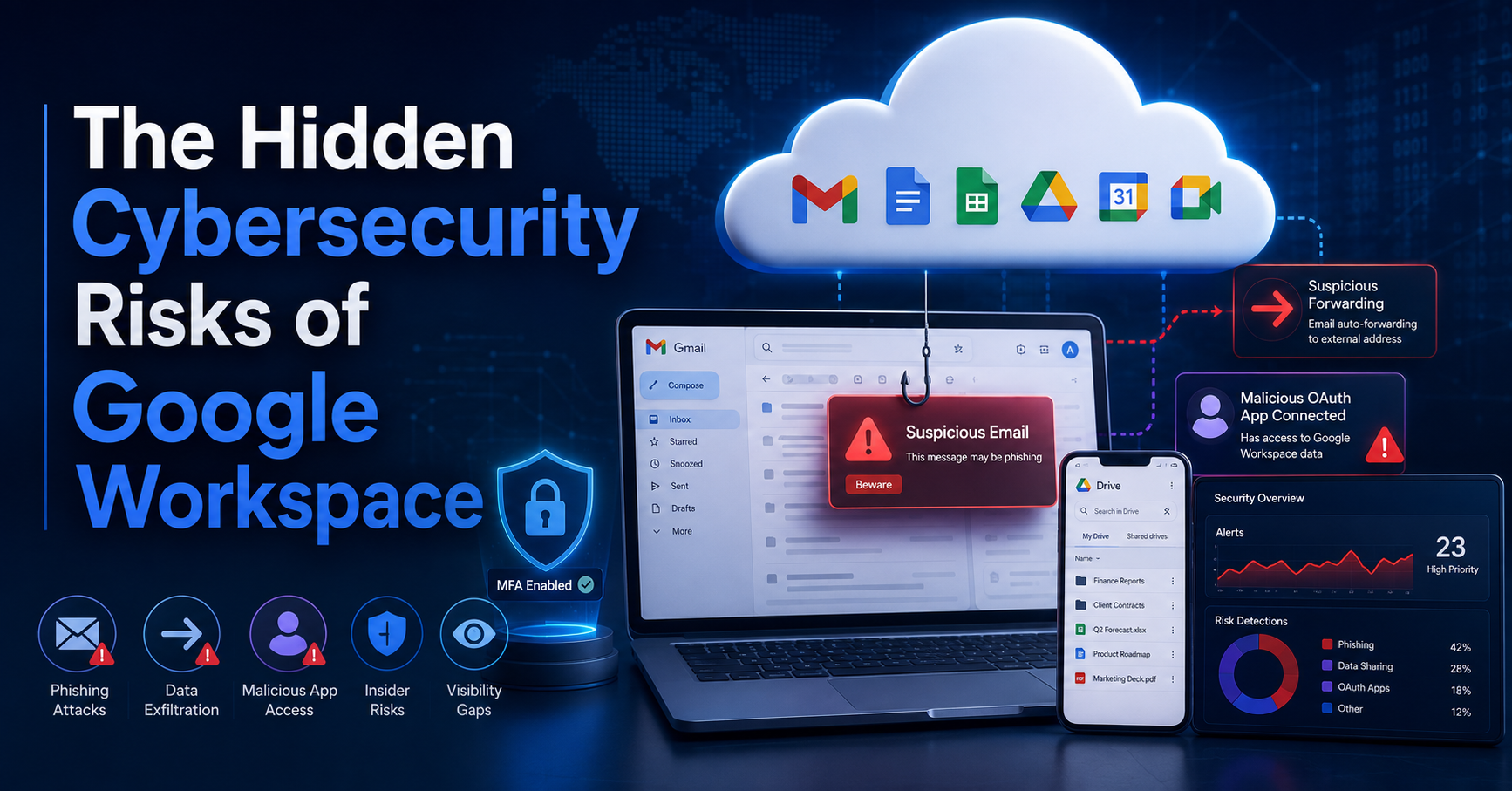
For many organizations, Google Workspace has become the center of the business. Gmail contains sensitive conversations. Google Drive stores contracts and financial documents. Calendar contains meetings. Shared files may contain customer data. A compromised Google account can therefore become much more than an email problem.
Google provides significant security capabilities within Workspace, but businesses are still responsible for how accounts are configured, which applications are authorized, how employees respond to phishing attempts, how privileged accounts are protected and how suspicious activity is investigated.
Attackers increasingly look for ways to obtain legitimate credentials or permissions instead of trying to directly break through traditional security controls. Once an attacker gains access to a real user account, their activity can appear much more legitimate.
Account Compromise Can Open the Door to the Entire Workspace
One of the most important Google Workspace cybersecurity risks is account compromise. An attacker who obtains a user's credentials may gain access to Gmail, Drive, Calendar, contacts and other connected services depending on the account's permissions.
Account compromise can begin with a fake Google login page, password reuse, credential theft, malware, social engineering, session-token theft or an employee approving a fraudulent authentication request.
Why a compromised inbox is especially valuable
Email is often connected to nearly every other business account. Password-reset messages, invoices, customer conversations, contracts and internal discussions may all pass through Gmail.
An attacker who controls a legitimate inbox may also attempt to impersonate the employee and send convincing messages to customers, vendors or coworkers.
Protect Google Workspace as an identity system, not simply an email service. Authentication, device security, permissions and user behavior all matter.
Malicious Email Forwarding Rules Can Quietly Leak Information
After compromising an account, an attacker may attempt to maintain visibility into future communications. One technique is creating an email forwarding rule or filter that quietly copies selected messages to another destination.
This can be particularly dangerous because the legitimate employee may continue using Gmail normally while sensitive messages are being redirected elsewhere.
What an attacker might target
- Invoices and payment instructions
- Messages containing wire-transfer information
- Password-reset or authentication emails
- Customer and vendor correspondence
- Contracts and confidential attachments
- Messages from executives or accounting personnel
Businesses should review forwarding settings, suspicious filters and unexpected mailbox changes when investigating a potentially compromised Google Workspace account.
OAuth Applications Can Have More Access Than Employees Realize
Google Workspace allows users to connect third-party applications through OAuth. This makes it possible to connect productivity tools, scheduling services, CRM platforms and other applications without sharing a Google password.
OAuth itself is not malicious. The risk appears when an employee authorizes an untrusted or compromised application to access business data.
Employees should understand what information an application is requesting before clicking Allow.
Depending on the permissions requested, a connected application may potentially access email, files, profile information or other Google Workspace data.
OAuth abuse can bypass the password conversation
A user might never provide their password to the attacker. Instead, they may simply authorize an application that asks for access. This makes employee education and application governance important parts of cloud security.
Organizations should periodically review connected applications and remove access that is unnecessary, unfamiliar or no longer required.
MFA Is Essential, But It Is Not the End of the Security Strategy
Multi-factor authentication is one of the most important protections businesses can enable for Google Workspace. Requiring an additional verification step makes a stolen password much less useful to an attacker.
However, organizations should not interpret MFA as making an account impossible to compromise.
Attackers continue to adapt
Modern attacks may involve adversary-in-the-middle phishing, session theft, social engineering, fraudulent consent requests or attempts to trick users into approving authentication prompts.
The stronger approach is layered security. MFA should work alongside endpoint protection, employee awareness, appropriate administrative policies and security monitoring.
Without Monitoring, Suspicious Activity May Go Unnoticed
Security controls are most valuable when an organization can recognize when something unusual occurs and has a process for investigating it.
An employee may not immediately notice that a new application was authorized, an unexpected login occurred, a suspicious forwarding rule was created or account settings were changed.
Security monitoring can help businesses identify activity that deserves investigation and determine whether it is legitimate or potentially malicious.
Businesses should also have a defined incident-response process. When a suspicious Google Workspace account is identified, the organization needs to know who will investigate, what evidence should be reviewed, whether sessions should be revoked, which credentials should be changed and whether additional systems may have been affected.
Google Workspace Security Checklist for Small Businesses
Businesses do not need to wait for a security incident before reviewing their Google Workspace environment. A proactive security review can help identify weaknesses before attackers discover them.
- Require multi-factor authentication for employees and administrators.
- Use strong, unique passwords and discourage password reuse.
- Review administrator accounts and remove unnecessary privileges.
- Review third-party OAuth applications and connected services.
- Investigate unexpected email forwarding rules and filters.
- Train employees to recognize phishing and fake login pages.
- Protect employee computers with modern endpoint security.
- Establish a process for investigating suspicious account activity.
- Remove unused employee accounts promptly when staff leave.
- Perform periodic cybersecurity risk assessments.
Why Google Workspace Security Matters for Small Businesses
Small and medium-sized businesses increasingly rely on the same cloud platforms, remote access tools and digital workflows used by much larger organizations. The difference is that smaller organizations may not have a dedicated security operations team continuously reviewing activity.
Law firms may store confidential client communications. Accounting businesses may exchange financial documents. Transportation companies may rely on email for operations and customer communication. Insurance businesses may handle sensitive customer information.
In each case, compromising a cloud identity can affect far more than a single mailbox.
Is Your Google Workspace Environment Properly Protected?
Vector Shield Cybersecurity helps small and medium-sized businesses strengthen security across endpoints, employees, email, identities and cloud applications.
If you are concerned about Google Workspace security, suspicious account activity, phishing, compromised credentials or your overall cybersecurity posture, we can help you understand where the risks are and what should be addressed first.
Google Workspace Security FAQs
Common questions businesses ask about securing their Google Workspace accounts and cloud data.
Google Workspace includes significant security capabilities, but business security also depends on account configuration, authentication, user permissions, connected applications, endpoint protection, employee behavior and how suspicious activity is monitored and investigated.
MFA significantly improves account security, but no single security control eliminates every attack technique. Phishing, session theft, malicious application authorization and social engineering are examples of risks that make layered security important.
OAuth abuse can occur when a user grants an untrusted or malicious third-party application permission to access information in their Google account. Businesses should review connected applications and remove unnecessary access.
Unexpected forwarding rules can potentially redirect business communications to another destination. Reviewing forwarding settings and filters can be an important part of investigating a potentially compromised account.
Vector Shield Cybersecurity helps organizations evaluate cybersecurity risks across endpoints, email, identities, employees and cloud applications and can assist with monitoring, endpoint protection, security awareness, incident response and cybersecurity risk assessments.