What to Do If You Think You’ve Been Hacked
Something’s off. Your computer is acting weird, your phone battery is draining unusually fast, or you received a suspicious login alert. If you’re asking, “Have I been hacked?”, this step-by-step guide explains what to do next to limit the damage and start recovering.
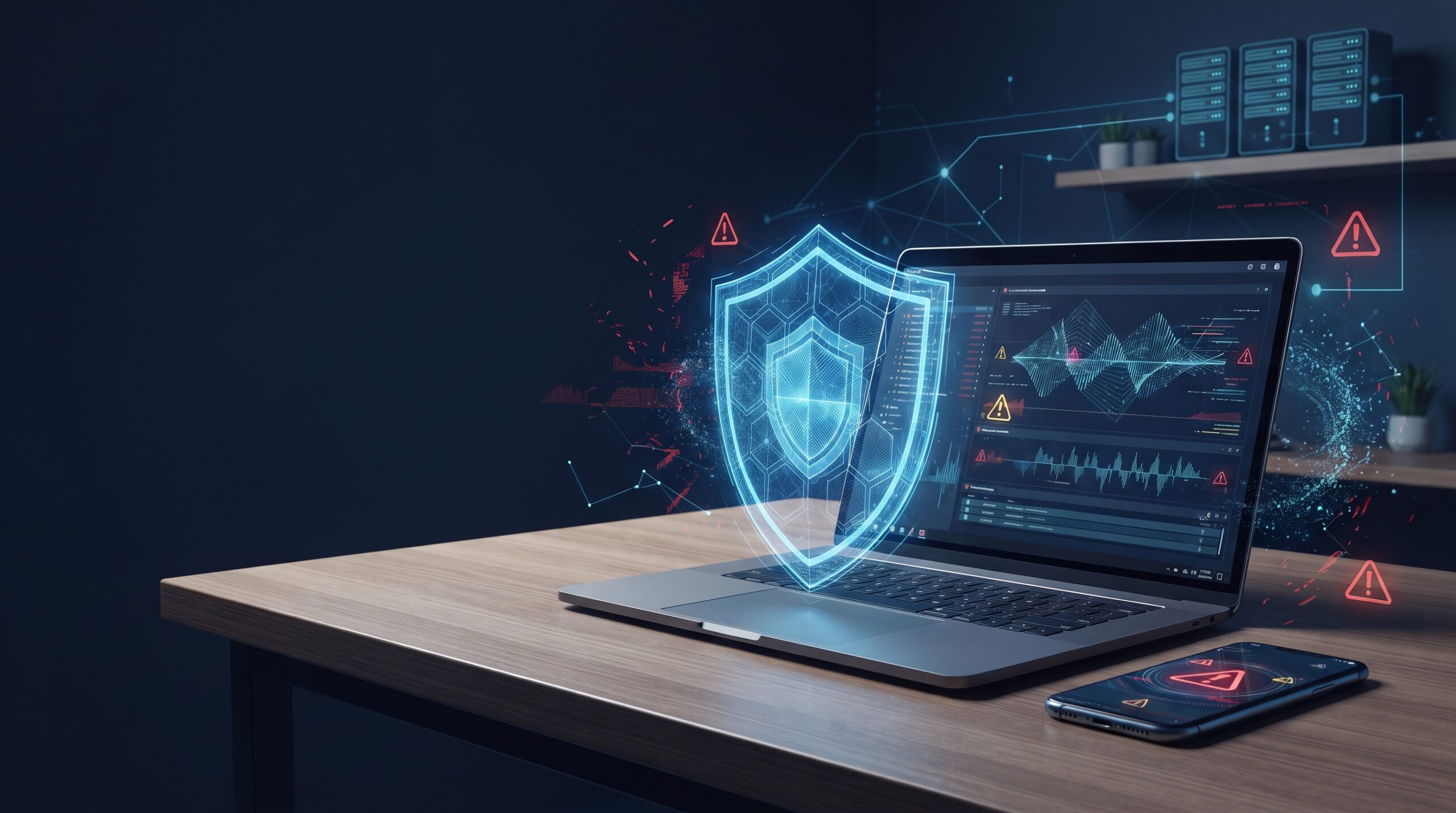
Think you’ve been hacked? Don’t panic. The most important thing is to act quickly and avoid giving an attacker more time to access your accounts, devices, or data.
Your computer may suddenly behave strangely. Your phone battery may drain unusually fast. You may receive a suspicious login notification from your email, Facebook, or another important account. These signs do not always mean you have been hacked, but they should never be ignored.
Disconnect From the Internet
If you think your device is actively compromised, disconnect it from the internet as quickly as possible. This can help prevent an attacker from maintaining remote access or communicating with malware already running on the device.
- Unplug the Ethernet cable: Physically disconnect wired internet access from the device.
- Turn off Wi-Fi: Disable Wi-Fi or enable airplane mode when appropriate.
- Power off if needed: If the device is behaving dangerously or you suspect active remote access, shut it down.
If you’re a business using shared drives, remote access, or connected workstations, consider disconnecting affected devices and getting professional guidance before bringing them back online.
Change Your Passwords Immediately
If an attacker may have stolen your credentials, change your most important passwords using a different, trusted device. Start with the accounts that could give an attacker access to your money, identity, communications, or other systems.
Use strong, unique passwords and never reuse the password that may have been compromised. If the same password was used on multiple accounts, change it everywhere it was used.
Changing a password is only one part of account recovery. Review active sessions, recovery email addresses, phone numbers, forwarding rules, and multi-factor authentication settings for signs that an attacker changed your account configuration.
Run a Deep Scan, or Let Us Do It for You
Standard antivirus scans can be useful, but they may not identify every type of compromise. If you suspect that someone is watching your device or maintaining hidden access, a professional malware and spyware investigation may be necessary.
A deeper investigation can look for:
Don’t wait if you suspect spyware, unauthorized remote access, or another serious compromise. Call Vector Shield at +1 (224) 368-6454 or use our contact page to start an investigation.
Document What Happened
Before deleting everything or resetting the device, document what you observed. These details can help identify the source of the incident and may become important for business compliance, insurance, or client disclosure requirements.
- Record the symptoms: Write down exactly what looked unusual.
- Note when it started: Record when you first noticed suspicious activity.
- Save unusual messages: Keep suspicious popups, emails, login alerts, and other evidence.
- Identify affected devices: Record which computers, phones, or other devices may be involved.
- List potentially affected accounts: Include email, financial, social, and business accounts.
Save screenshots of unusual messages, errors, login alerts, or account activity. Even small details can help during a cybersecurity investigation.
Secure Other Devices
If one device was compromised, other devices connected to the same home or business network may also be at risk. Do not assume that the problem is limited to the first computer or phone you noticed.
- Scan computers and phones: Check other devices for malware or suspicious activity.
- Update software: Install current operating system, browser, and security updates.
- Secure your router: Reboot the router and change the Wi-Fi password if compromise is suspected.
- Check connected devices: Review printers, cameras, thermostats, and other smart devices.
Vector Shield offers full-system cleanups and device audits for home users, seniors, and business teams, with remote or on-site support.
Get Ongoing Protection, Not Just a One-Time Fix
Once an attacker has gained access, a simple cleanup may not be enough. The goal should be to identify how the compromise happened, remove the threat, secure the environment, and reduce the chance of another incident.
How Vector Shield Can Help
If you are unsure whether your device or account has been compromised, professional investigation can help separate a false alarm from a real security incident.
Real Clients, Real Recoveries
Cybersecurity incidents can affect anyone, from individual users to established businesses. Some examples of the situations Vector Shield has helped address include:
- Facebook account hijacking: A senior citizen recovered from an account takeover that was used to send fake links to her entire contact list.
- Law office backdoor attempt: A law office stopped an attempted backdoor access incident involving a hacked employee laptop.
- Ransomware attempt: A small business recovered from a ransomware attempt with no data loss because of effective backup planning.
Final Thought
Hacks happen. It does not mean you did something wrong. What matters is how quickly you respond after suspicious activity appears.
Whether it is your personal laptop, your business email, or sensitive client data, the right response can help limit damage and begin the recovery process.
Vector Shield Cybersecurity can help you respond, recover, and rebuild with a stronger security foundation.
Think You’ve Been Hacked? Get Help Now.
If your computer, phone, email account, or business system is behaving strangely, don't ignore the warning signs. Vector Shield Cybersecurity can help investigate suspicious activity, identify potential threats, and guide you through the recovery process.
Let us help you respond before a small security problem becomes a larger incident.
Hacked Device & Cybersecurity FAQs
Clear answers to common questions about what to do when you suspect your computer, phone, account, or business system has been compromised.
If you think your device may be compromised, disconnect it from the internet, avoid using the affected device for sensitive logins, and secure important accounts from a trusted device. If the situation is unclear or serious, consider getting professional cybersecurity assistance before making major changes.
Yes. If you believe your credentials may have been stolen, change important passwords using a different trusted device. Start with email, financial, social media, and business accounts. Use unique passwords and enable multi-factor authentication wherever possible.
No security tool can guarantee detection of every type of compromise. Some threats may involve stolen credentials, unauthorized account access, sophisticated malware, spyware, remote access tools, or other techniques that require additional investigation beyond a standard antivirus scan.
Isolate the affected device and review other computers, phones, routers, and connected devices on the same network. Update software, secure Wi-Fi credentials, review important accounts, and consider professional assistance if you suspect the attacker may have moved beyond the original device.
Yes. Vector Shield Cybersecurity can help investigate suspicious activity, identify potential malware or unauthorized access, secure affected devices, and provide ongoing protection for individuals and businesses. You can contact Vector Shield at +1 (224) 368-6454 or through the contact page.